Unit A · Using a computer
What a computer actually is
What we are making: nothing yet. Today you find out what the machine in front of you is, and get it to do what you tell it.
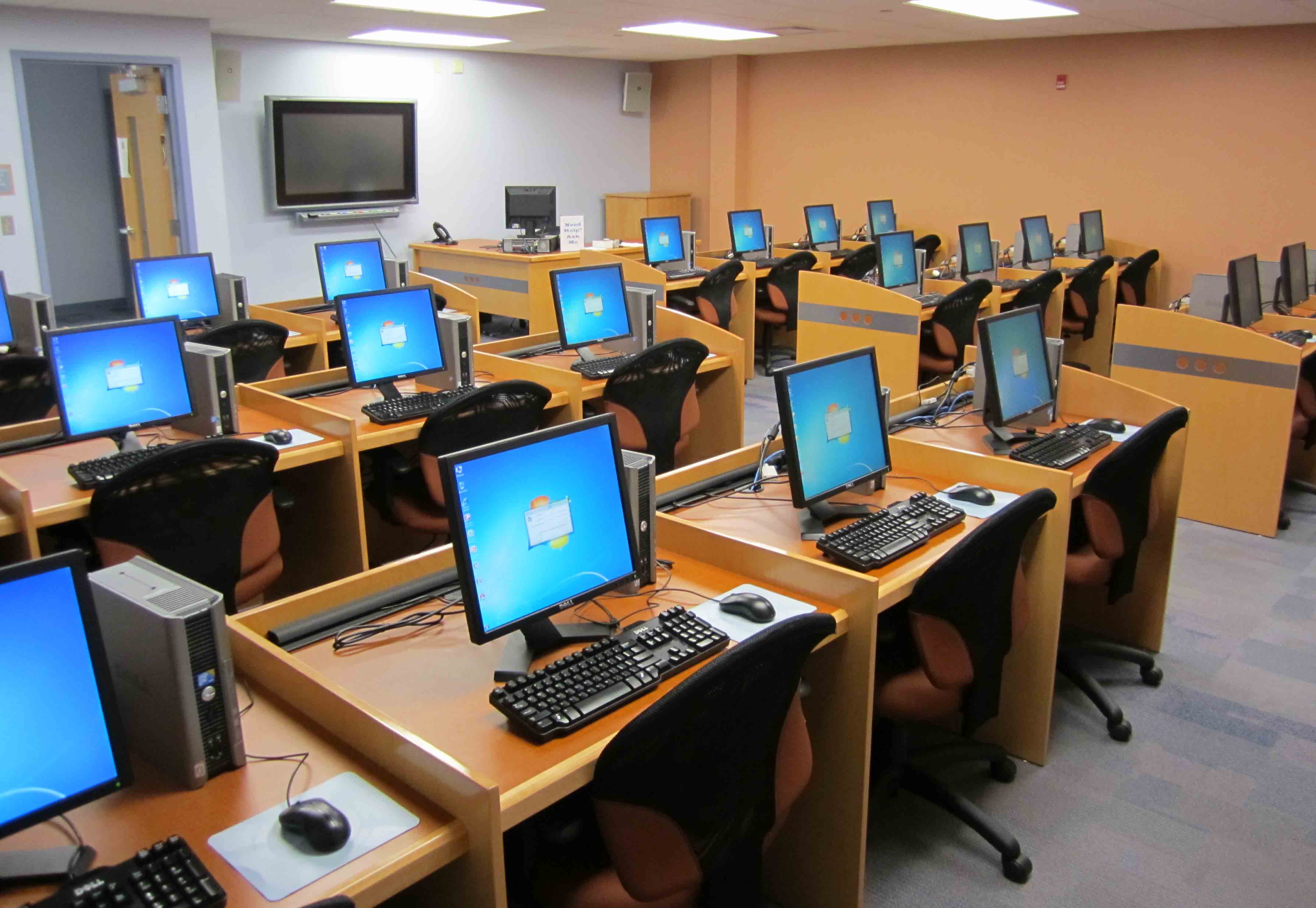
The idea
A computer looks like one thing. It is really four things joined together, and each one has a different job.
The screen, the keyboard and the mouse are just doors. Things go in through the keyboard and the mouse. Things come out through the screen. The thinking happens in the box, and you never see it.
Do it — wake it up
- Find the power button on the box. It usually has this symbol on it: ⏻
- Press it once. Once. Then wait. It takes up to a minute and pressing again makes it slower, not faster.
- When the screen asks, type the username and password your teacher gives you.
- Wait for the desktop — the screen with the icons on it.
Do it — input and output, proved
Three small things, to see the doors working.
- Move the mouse. The arrow moves. That is input going in, and output coming back out on the screen.
- Open any text program your teacher points you to. Type your name. Same thing, different door.
- Now unplug the mouse. Move it. Nothing happens. Plug it back in. Now it works again.
That third one matters. The arrow on the screen is not the mouse. It is the computer's answer to the mouse. Pull the wire and the question never arrives.
Try it — find the four parts
With the person next to you. Point at each one and say what it does. Then answer these without looking back at the diagram.
- Which part does the thinking?
- The screen is input or output?
- Name one input that is not the keyboard or the mouse.
- If somebody says 'my computer is the screen', what would you tell them?
If it goes wrong
| What you see | Why | What to do |
|---|---|---|
| Nothing happens when you press power | Not plugged in, or the wall switch is off. | Check the wall first, then the back of the box. |
| It asks for a password you do not have | Wrong machine, or it was not set up. | Tell your teacher. Do not guess — wrong guesses can lock the account. |
| The screen is on but everything is huge | Somebody changed the display settings. | Tell your teacher. It is a two-click fix but not yours to make. |
| The mouse arrow jumps about | Dirty sensor, or a bad surface. | Wipe the underside. Use a mousemat or a sheet of paper. |
What you learned
- A computer is four parts, and only the box thinks.
- Input goes in, output comes out. The screen is output.
- Hardware you can touch. Software you cannot.
- Press power once, then wait.
- Find out how much memory your computer has, and write it down.
- Which part of the machine would you replace first if you had the money? Say why.